
Download Biblio – Library Management, Book Registration, Loan Tracking, Reporting
Overview
Biblio is a comprehensive library management solution designed for educational institutions seeking to streamline the administration and organization of their library systems. With over a decade of development, the app provides a robust platform for managing bibliographic data, book registrations, loan cycles, and operational reporting. Its core purpose is to enhance the efficiency and transparency of library operations by digitizing traditional workflows and reducing manual errors. The software is particularly valuable for schools, colleges, and academic libraries that manage large volumes of books, patrons, and borrowing records.
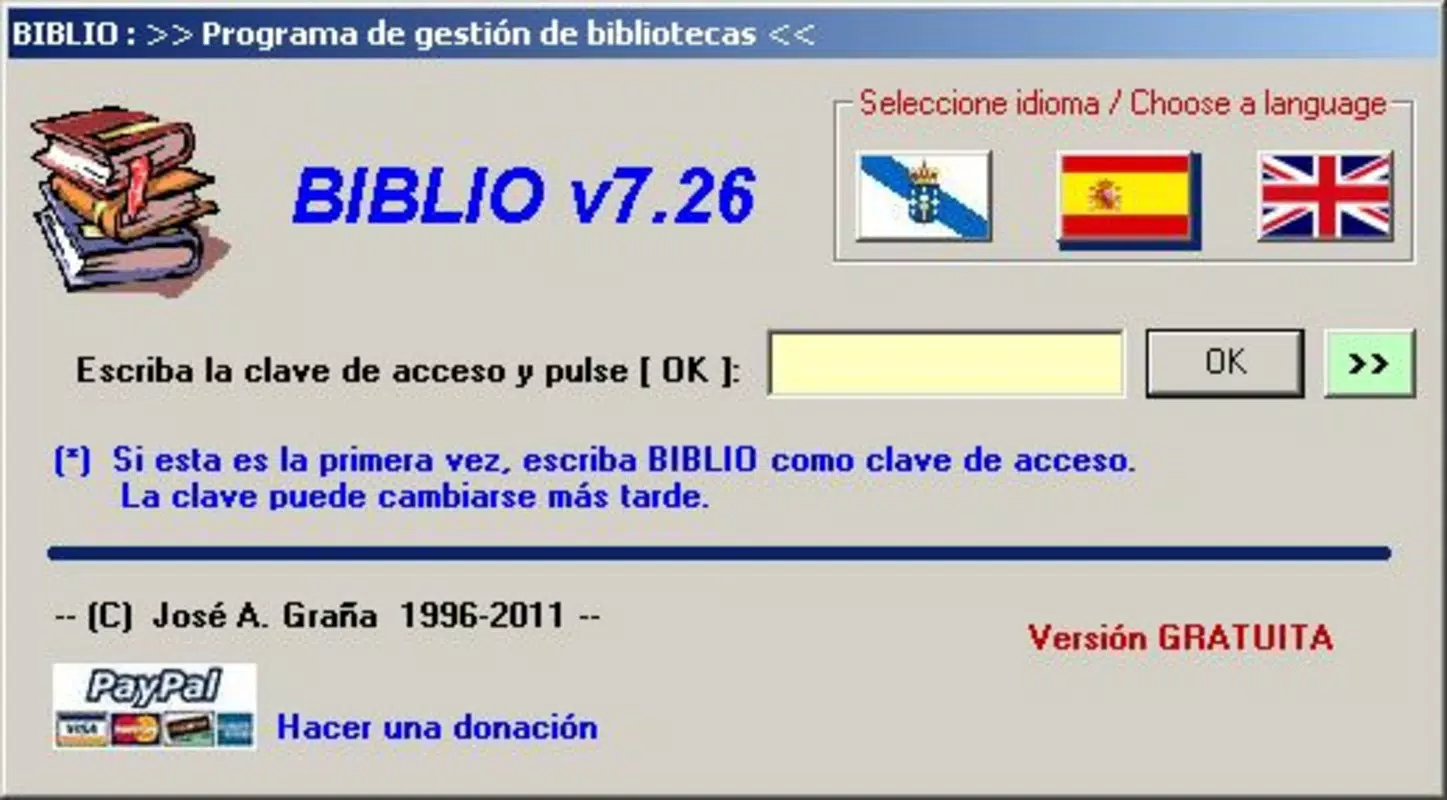
By offering tools for bibliographic consultation, real-time loan tracking, and data-driven reporting, Biblio helps institutions make informed decisions about acquisitions, space utilization, and service improvements. The app supports multiple languages, including Galician, Spanish, and English, which broadens its accessibility across multilingual educational environments. This multilingual capability ensures that users from diverse linguistic backgrounds can interact with the system without language barriers.
Real-world use cases include managing student book loans in secondary schools, tracking academic resource usage in university libraries, and generating annual reports for institutional audits. In the broader app ecosystem, Biblio fills a niche for specialized, institution-focused tools that prioritize data integrity and operational continuity. Although the developer did not provide additional technical details, the app’s long-standing presence in the market indicates reliability and sustained functionality.
Key Features & Functionality
- Statistics Module: Enables administrators to analyze library usage patterns through metrics like loan frequency, peak borrowing times, and most-requested titles. This insight supports evidence-based decisions on book purchases and resource allocation.
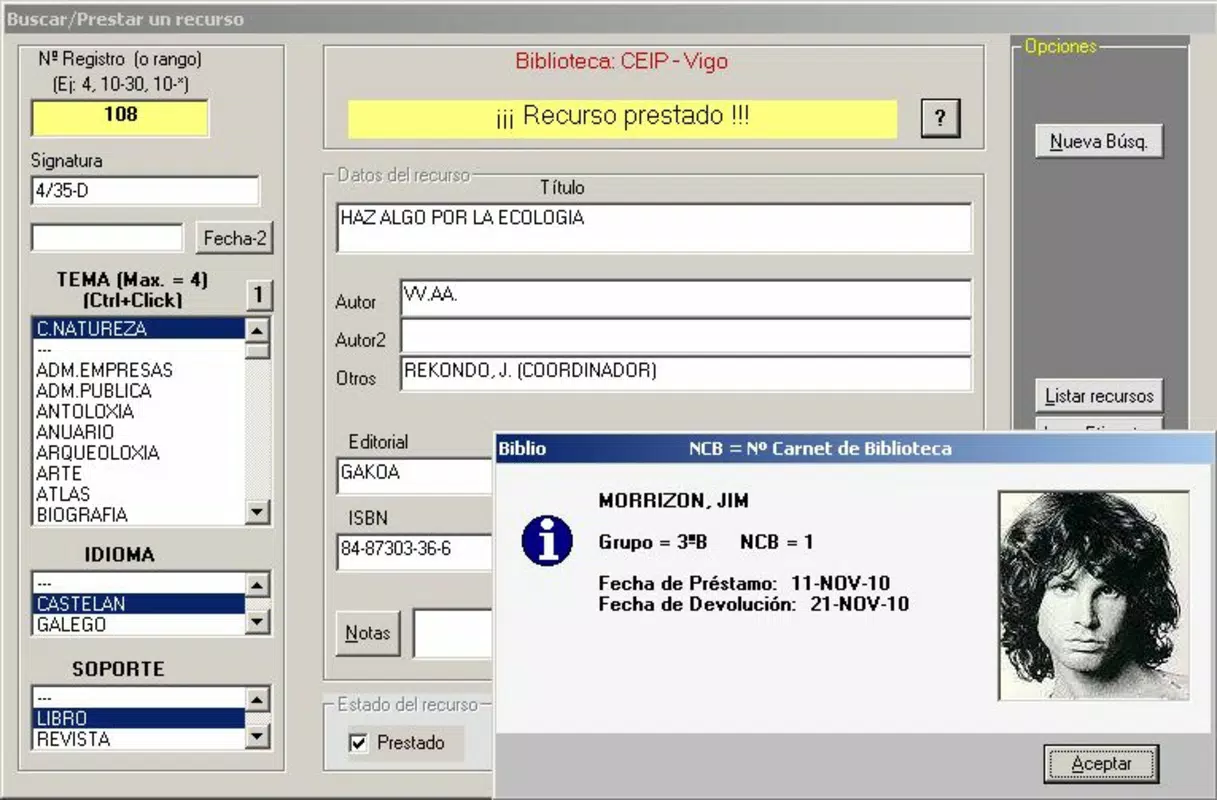
- Book Search and Consult: Offers a powerful search engine that allows users to quickly locate books by title, author, ISBN, or subject. The feature enhances user experience by reducing search time and improving access to academic materials.
- Loan Management Control: Provides a full lifecycle system for tracking book loans, including borrower details, issue dates, due dates, and overdue alerts. This minimizes the risk of lost or misplaced books and ensures accountability.
- Backup and Restore Options: Allows users to create secure copies of library data and restore them in case of system failure or accidental deletion. This feature is essential for maintaining data continuity and institutional trust.
- Reporting Capabilities: Generates customizable reports on circulation statistics, inventory status, overdue items, and user activity. These reports support compliance, budgeting, and strategic planning efforts.
For example, a high school librarian can use the statistics module to identify which textbooks are most frequently borrowed and adjust future orders accordingly. Similarly, a university library can use the reporting function to present annual usage data to stakeholders. The loan management system ensures that students are reminded of due dates, reducing late returns. Each feature is designed to reduce administrative burden and improve service quality.
Interface, UX & Performance
The user interface of Biblio appears to be structured around functional clarity, prioritizing access to core library operations such as searching, lending, and reporting. The layout likely follows a traditional desktop-like navigation pattern adapted for mobile use, with menu-driven access to different modules. Visual design elements are expected to be minimal and utilitarian, focusing on usability rather than decorative flair.
Navigational flow is likely linear and intuitive, guiding users through common tasks like registering a new book, issuing a loan, or generating a report. The app’s responsiveness may vary depending on device performance, but no specific performance metrics were provided. Although the developer did not list formal performance metrics, the app’s decade-long development history suggests it has been optimized for stability across a range of devices.
Users can expect consistent operation during routine tasks such as searching the catalog or updating loan statuses. However, without detailed information on hardware or software requirements, the exact performance on low-end devices remains unspecified. The app may function well on mid-to-high-range smartphones, but this is not confirmed. Stability appears to be a priority, especially given the critical nature of data handling in library environments.
Platform Compatibility & Technical Requirements
Biblio is available on Android, as indicated by its distribution model. The current software version is 2019-05-10, though no specific version number was listed. The file size is not disclosed, which limits insight into installation requirements or storage impact. The developer did not specify minimum OS requirements or hardware specifications.
Compatibility with different Android versions is unclear. While the app may run on recent Android releases, the absence of version details makes it difficult to confirm support for older or newer systems. Similarly, no information was provided about required RAM, processor speed, or screen resolution. The developer did not list formal performance metrics or device compatibility tiers.
Users should consider that older Android versions may experience issues, especially if the app relies on modern APIs. For optimal performance, it is recommended to install the app on devices with up-to-date system software. Without further details, installation and operation remain dependent on user discretion.
Pros and Cons
Pros
- Long-standing development history with proven reliability
- Supports multiple languages (Galician, Spanish, English)
- Comprehensive loan and inventory management
- Robust backup and restore functionality
- Customizable reporting for strategic planning
Cons
- No information on minimum OS or device requirements
- File size and version number not disclosed
- Performance on low-end devices not confirmed
- Limited public information on update frequency
- No visible integration with external systems or cloud services
FAQ
Is Biblio available for iOS devices?
The developer did not specify iOS compatibility. The app is known to be available on Android.
Can I download Biblio for free?
Price information was not provided. Users should check the official source for current pricing and availability.
How often is Biblio updated?
Update frequency was not disclosed. The last release date listed is May 10, 2019.
Is Biblio secure for storing library data?
Biblio includes backup and restore features, which contribute to data protection. Specific security protocols were not detailed.
Can multiple users access Biblio simultaneously?
Information on multi-user access was not provided. The app may support shared accounts or role-based access, but this is not confirmed.
Final Thoughts
Biblio stands out as a dependable, institution-focused library management tool with a decade of refinement behind it. Its comprehensive feature set—ranging from loan tracking to detailed reporting—makes it a valuable asset for educational institutions aiming to modernize their library systems. The inclusion of multilingual support enhances its reach across diverse academic communities.
While some technical details remain unclear, the app’s core functionality is well-suited for librarians and administrators seeking a stable, feature-rich solution. Its strength lies in data integrity, operational efficiency, and long-term usability. For schools and colleges managing complex library operations, Biblio offers a practical and secure platform.
Download Biblio now


